SMS Marketing
May 2, 2026
TheSMSBox Team
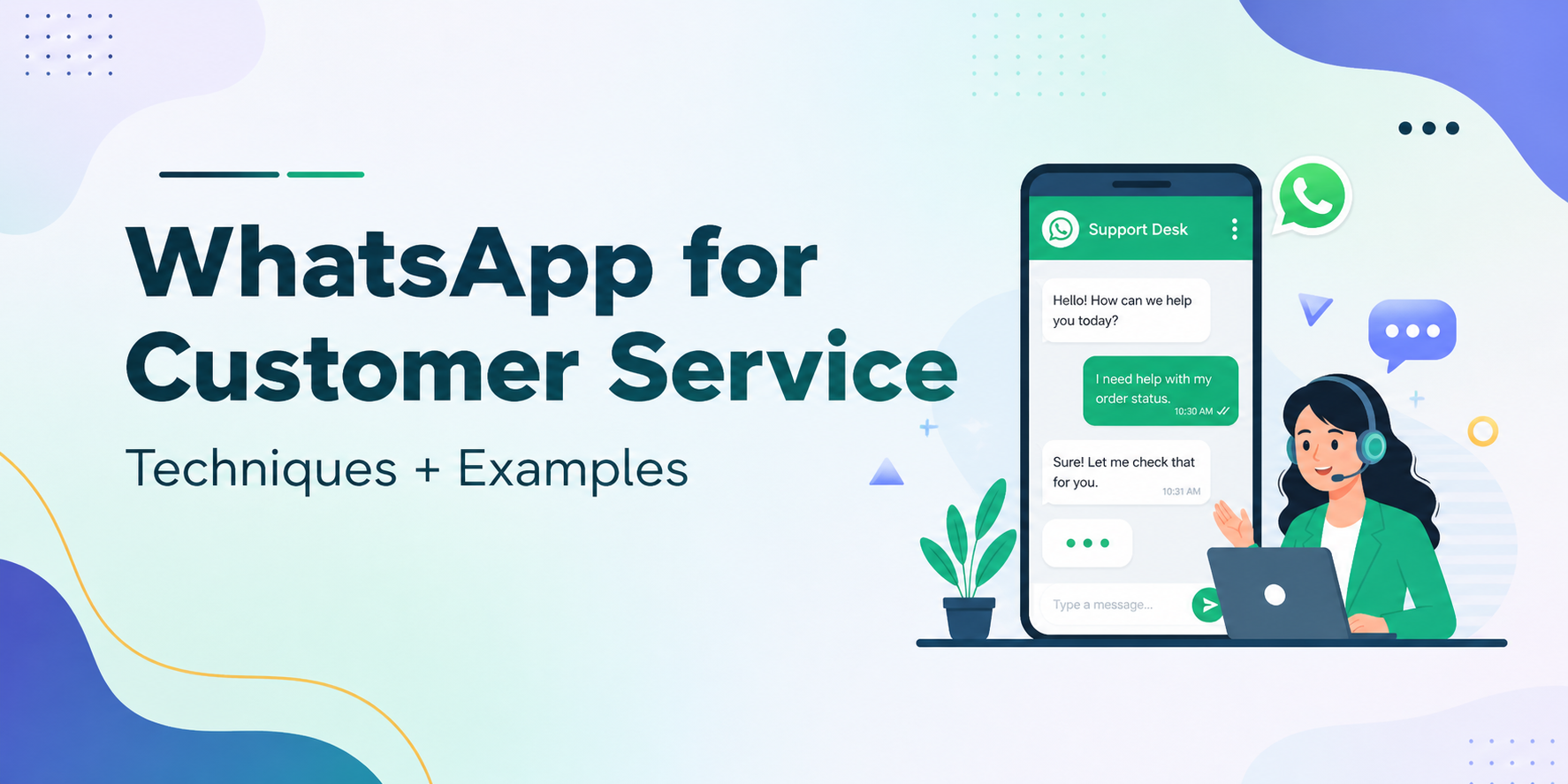
WhatsApp Customer Service in 2026: The Ultimate Guide to Automation, Engagement & Growth
Sales teams are often overloaded, juggling customer complaints while also trying to close support tickets efficiently.
With WhatsApp for customer service, brands can streamline these processes through automation and allow sales teams to focus on high-value tasks. But the real question is — how can this be implemented effectively?
By integrating WhatsApp Business with a WhatsApp API tool, businesses gain access to chat analytics, AI-powered support chatbots, and intelligent conversation routing. This helps deliver a seamless yet human-like experience to customers.
By adopting WhatsApp for customer service, businesses can significantly improve CSAT scores, reduce resolution times, and build stronger customer loyalty through consistent and high-quality interactions.
In this guide, we will explore how to implement WhatsApp for customer service and empower your sales teams with smart automation. Let’s dive in.
Why Should You Use WhatsApp for Customer Support?
Many businesses struggle to communicate directly and efficiently with their customers.
Customer support teams using traditional channels often face delayed responses, leading to slower resolutions, poor user experience, and a negative brand perception.
Using WhatsApp allows businesses to connect with customers instantly, offering a real-time, premium support experience by meeting them on a platform they already use daily. Sales teams can prioritize urgent queries, personalize interactions, and significantly enhance overall service quality.
What are the Benefits of Using WhatsApp for Customer Service?
Studies show that nearly 39% of consumers prefer WhatsApp as their primary communication channel. This makes it one of the most powerful platforms for customer retention.
Engaging customers on WhatsApp leads to faster responses, improved resolution quality, and reduced churn rates.
Here are some additional benefits of using WhatsApp for customer service:
1. Your Customers Are Already There
Customers often take time to respond to emails, with average response rates ranging between 2–5%.
WhatsApp, on the other hand, enables instant communication, helping businesses resolve issues faster and improve customer satisfaction.
What this means for you: Lower friction support that feels natural and convenient for customers from day one.
2. More Human, More Empathetic Support
WhatsApp enables teams to provide quick audio, visual, and text-based support. Customers are more likely to engage, open attachments, and respond quickly, reducing overall friction.
Conversations on WhatsApp feel more personal and natural, helping reduce customer frustration and improving satisfaction levels.
What this means for you: Support that builds real relationships instead of feeling transactional.
3. Handle More Queries Without Burnout
With the WhatsApp Business API, businesses can deploy chatbots to automate repetitive queries such as greetings, FAQs, and appointment bookings.
This allows faster routing of conversations to the right agents while reducing workload on teams.
What this means for you: Automation handles routine queries, while your team focuses on complex, high-impact interactions.
4. One Inbox for Better Collaboration
A shared team inbox allows multiple agents to manage conversations, track history, and collaborate efficiently.
With WhatsApp API integration, businesses can monitor ticket status, reassign queries, and maintain continuity in communication.
What this means for you: Improved teamwork, streamlined workflows, and consistent customer experience.
5. Actionable Insights in Real Time
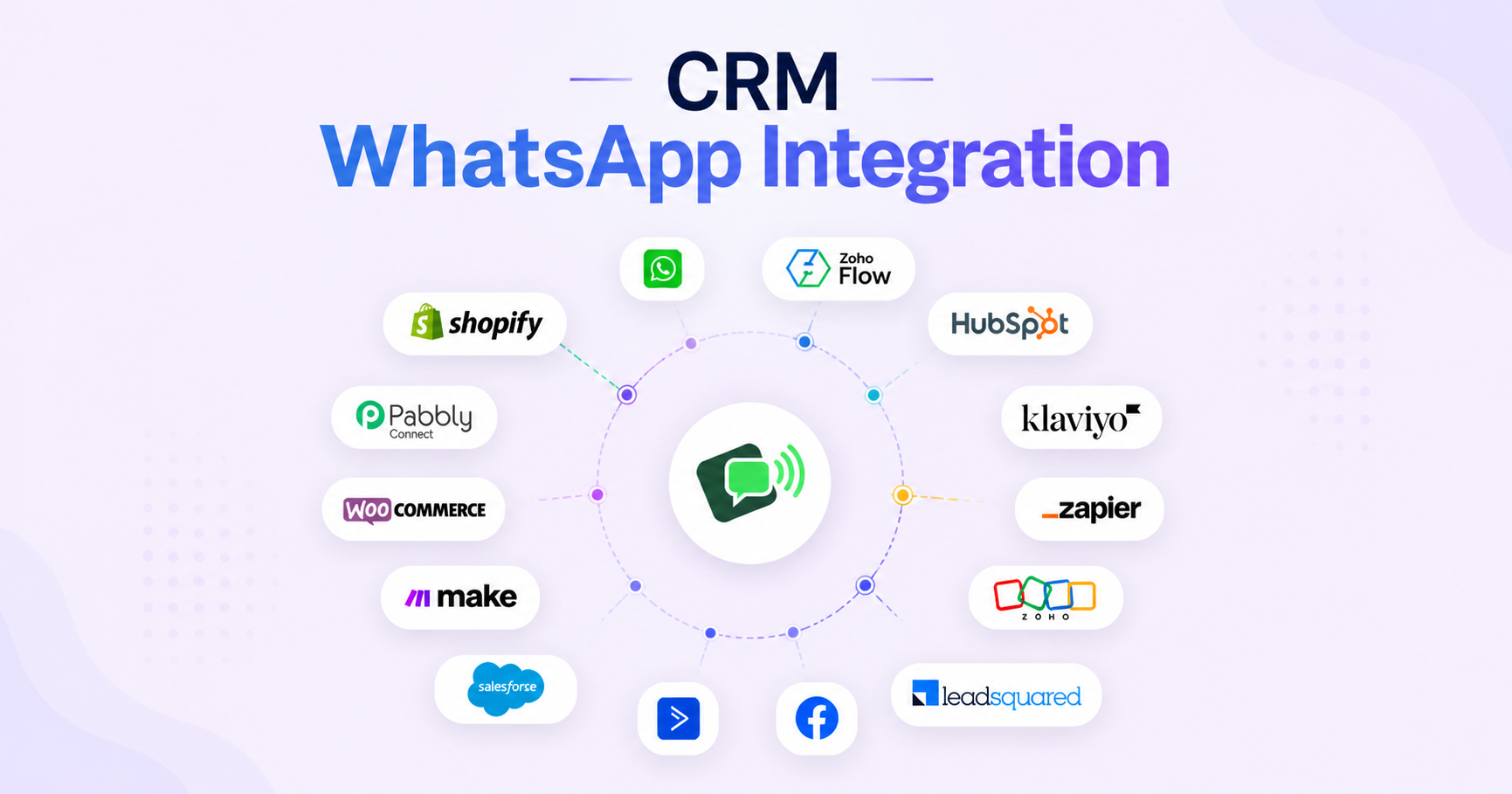
With CRM integrations and real-time data sync, businesses can track customer interactions, sales performance, and engagement metrics.
Advanced reporting and segmentation help you measure ROI and optimize strategies effectively.
What this means for you: Data-driven decisions that directly impact growth and performance.
6. Higher Customer Satisfaction & Loyalty
Providing support on a platform customers already trust leads to better engagement and satisfaction.
Businesses that deliver exceptional customer experiences often see revenue growth between 4% to 8% higher than competitors.
What this means for you: Lower churn, higher lifetime value, and stronger brand loyalty.
How to Use WhatsApp for Customer Support
If you want to simplify operations while keeping customers satisfied, WhatsApp offers multiple powerful use cases.
1. Answer Customer Queries Instantly
WhatsApp allows businesses to respond instantly using automated greetings or real-time replies.
Customers get quick answers without navigating complex support systems, making the experience smooth and efficient.
2. Send Order Updates and Confirmations
Businesses can automate order confirmations and delivery updates, keeping customers informed throughout the journey.
This reduces uncertainty and builds trust with timely communication.
3. Share Reminders and Rescheduling Options
WhatsApp can be used to send booking reminders and allow customers to reschedule easily.
This improves attendance rates and reduces missed appointments.
4. Proactive Notifications
Businesses can send updates about delays, restocks, or service changes before customers even ask.
This keeps expectations clear and reduces inbound queries.
5. Promote Products and Services
With WhatsApp, brands can share product catalogs, offers, and updates using rich media formats.
It’s a non-intrusive yet highly engaging way to promote offerings.
6. Collect Customer Feedback
Post-purchase feedback via WhatsApp is quick and convenient, helping businesses gather valuable insights.
Surveys and polls can improve customer satisfaction and optimize service quality.
7. Post-Purchase Support
Customer support doesn’t end after a sale. WhatsApp enables continuous assistance for returns, installations, and queries.
This ensures long-term customer satisfaction and trust.
Real-Life Examples
Brands across industries are already leveraging WhatsApp to transform customer service.
Decathlon improved efficiency by automating workflows, resolving 22% of queries automatically and significantly reducing response times.
Rappi used proactive notifications to increase engagement by delivering timely and relevant updates to customers.
How to Get Your Business Discovered on WhatsApp
To start using WhatsApp effectively, customers first need to know your business is available there.
Create a verified WhatsApp Business account
Promote your WhatsApp presence across channels
Use Click-to-WhatsApp ads
Add QR codes on packaging and offline materials
Sending Notifications at Scale
Businesses can use:
WhatsApp Business App – suitable for small teams with limited volume
WhatsApp API – ideal for scaling communication with automation and integrations
The API enables personalized messaging, CRM integration, analytics, shared inbox, and AI-driven workflows.
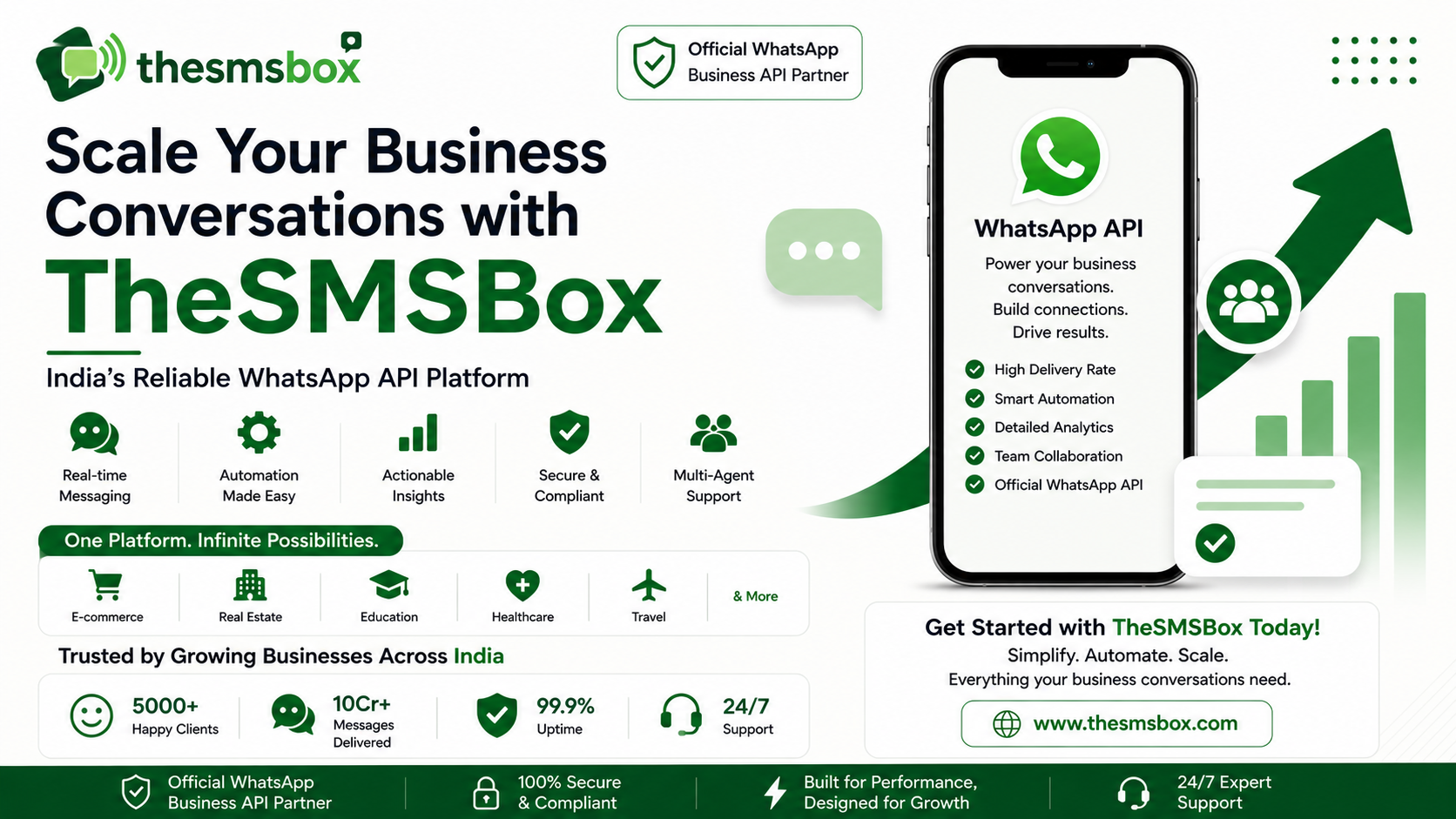
Meet thesmsbox AI Support Agent
The thesmsbox AI Support Agent enhances WhatsApp support by automating a large portion of customer queries.
Key features include:
Resolves over 60% of queries automatically
24×7 availability
Multilingual support
Context-aware responses using FAQs and content
By integrating thesmsbox, businesses improve efficiency while allowing human agents to focus on critical tasks.
Success Stories with thesmsbox
ENI Networks streamlined support for over 45,000 customers, reducing response time by 40% and improving satisfaction by 30%.
Zellbury increased efficiency by 50% and boosted conversions by 20% using thesmsbox-powered automation and real-time engagement.
Final Thoughts
Missed calls and delayed emails can frustrate customers and damage brand reputation.
WhatsApp allows businesses to deliver instant, reliable, and consistent customer support while keeping customers informed at every step.
When used strategically, customer support becomes a growth engine — and the WhatsApp Business API makes it scalable and efficient.
Ready to elevate your customer experience? Try thesmsbox and unlock smarter, faster, and more effective customer support. 🚀